Android 8.0 and later
Quiet Feed Reader
Open public articles and feeds in a text-first reader. Follow the sources you read, save posts for later, and read those posts offline.
Open your first feed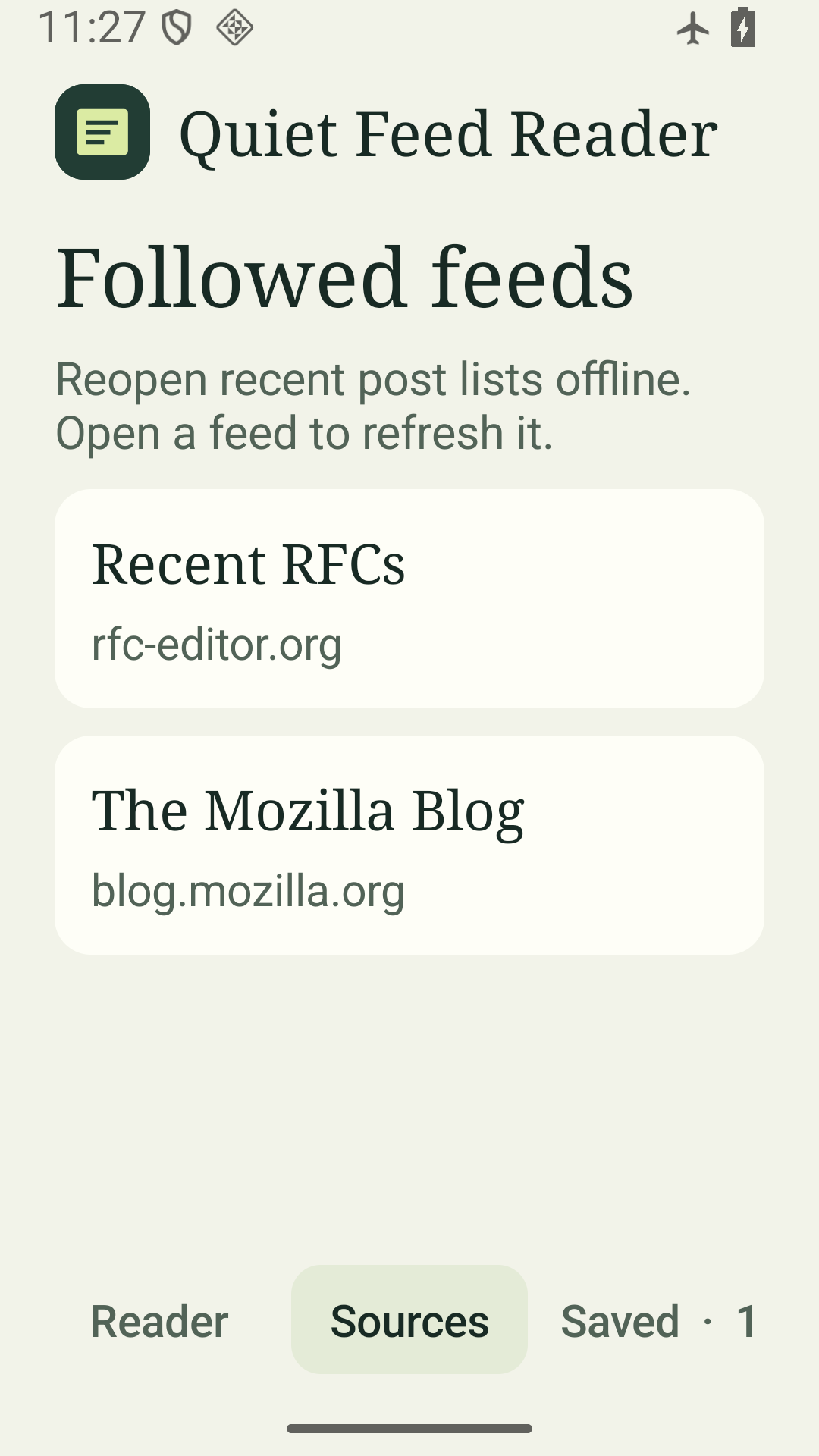
Read and follow a source
Open a public link
Paste an HTTPS article, RSS, or Atom link into Reader and tap Open link. You can also share the link to Quiet Feed Reader from Android.
Keep a feed handy
Tap Follow feed to add it to Sources. A followed feed keeps its last loaded post list available offline.
Save the full text
Open a written post and tap Save offline. Find the saved article in Saved, even after unfollowing its feed.
Common questions
Which sources can the reader open?
Use a public HTTPS article or RSS or Atom feed. Pages that need a login, subscription, or browser scripting may be unavailable. Recognized video-only and short-form items are skipped. Filtering applies inside Quiet Feed Reader.
What works without a connection?
Choose Open sample feed to try reading offline. Previously saved articles and followed feeds’ last loaded post lists also remain available. Opening a new link or refreshing a feed requires a connection.
Where are ad settings?
Open Plan to estimate how many posts fit your reading time. Ads start off. The optional Show ads on this screen switch applies only to Plan, and Ad privacy choices lets you review available privacy settings.
Get support
Tell us your Android version, app version, and what happened. Include a public source URL if it helps explain a reading issue.